Automation
Workflow automation you can start this quarter: approvals, reports and notifications
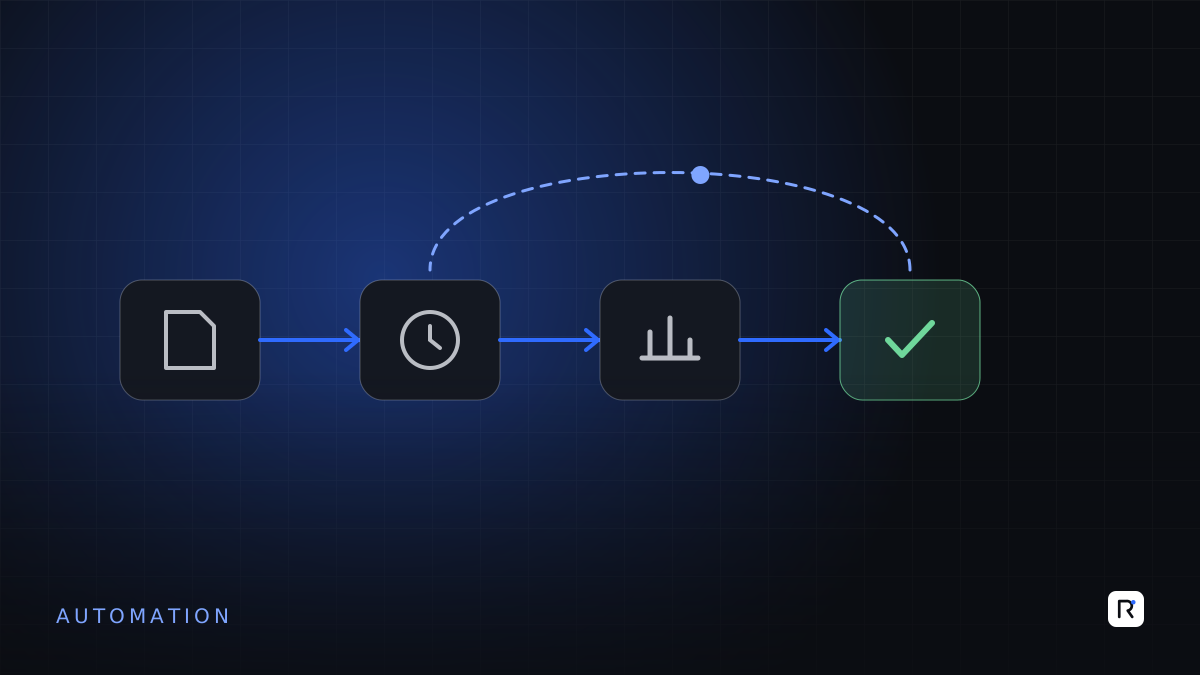
Automation is often presented as a large transformation programme. In practice, some of the most valuable automation in a mid-size business is modest: a purchase requisition that reaches the right approver without being carried from desk to desk, a daily sales report that arrives at eight each morning without anyone building it, a message to the store when a shipment is due. Each saves a little time. Together, they remove a surprising amount of friction, delay and chasing.
This article focuses on three types of workflow automation you can realistically start this quarter: approvals, reports and notifications. It explains how to choose the first candidates, what to settle before automating, and how to avoid automating a mess.
Start with the work people chase
The best candidates are visible in everyday frustration. Listen for phrases like:
- "Has anyone approved this yet?"
- "Who has the file?"
- "Can you send me the latest figures?"
- "Nobody told us the goods were arriving."
- "I spend every Monday morning building this report."
Each of these points to a process with clear steps, repeated often, where the delay comes from waiting, searching or re-doing rather than from thinking.
Automate the waiting and the copying. Keep people for the judgement.
1. Approvals
Paper and email approvals are slow, hard to track and easy to lose. Digital approval workflows route a request to the right person, record the decision and move it on automatically.
Good first candidates
- Purchase requisitions and purchase orders.
- Expense claims and petty cash.
- Leave and overtime requests.
- Price or discount exceptions for customers.
- Payment requests to suppliers.
What to define first
- Who approves what. Write down the approval rules by type, amount and department. Many businesses discover their rules exist only in people's heads.
- What the approver needs to see. Attach the quotation, budget position or supporting document so the approver can decide without phoning anyone.
- What happens when someone is away. Set delegates and time limits, so requests do not sit for a week.
- What is recorded. Keep a clear history of who approved, rejected or changed what, and when.
Mobile approval matters. Directors and managers in Bangladesh often travel between office, factory and buyer meetings; an approval they can give from a phone in a minute will not wait until they return to the desk.
2. Reports
Many organisations have people who spend hours each week downloading data, pasting it into spreadsheets, formatting it and emailing it out. Automated reports produce the same output from the system directly, on a schedule.
Good first candidates
- Daily sales, orders and dispatches.
- Daily production output against plan.
- Weekly stock position and items below reorder level.
- Customer receivables and overdue payments.
- Month-end summaries that follow the same structure every time.
What to define first
- Who receives each report, at what time, and in what format.
- The exact definitions of the figures, agreed with the people who use them.
- Whether the report is still needed at all. Automation is a good moment to retire reports nobody reads.
Where possible, send a short summary with a link to the live detail, rather than a large attachment that is out of date by the afternoon.
3. Notifications
Notifications tell the right person, at the right moment, that something needs their attention. They replace the phone calls and reminders that otherwise depend on someone remembering.
Good first candidates
- Stock falling below reorder level.
- An order approaching its shipment date while still behind schedule.
- A supplier delivery expected tomorrow, sent to the store and quality team.
- A customer payment overdue by an agreed number of days.
- An approval request waiting longer than its time limit.
Keep notifications useful
Too many alerts are as bad as none; people learn to ignore them. Send notifications only when action is needed, to the person who can take it, through the channel they actually check, whether email, SMS or a messaging app. Review the list after a month and remove anything that is routinely ignored.
Do not automate a broken process
Automation makes a process faster. It does not make it right. Before automating, walk through the current process with the people who do it and ask:
- Are there steps that add no value and could simply be removed?
- Are the rules clear enough that a system could follow them?
- Is the data the automation relies on accurate and entered on time?
- Who handles the exceptions, and how will they know?
If the answers are unclear, simplify the process first. Automating a confused process only produces confusion more quickly.
A plan for this quarter
- Weeks 1 to 2: collect candidates from each department and choose three, one of each type, with clear owners.
- Weeks 3 to 4: map and simplify each process, and write down the rules and definitions.
- Weeks 5 to 8: build and test with the users, using your existing systems where they support workflows, or a focused tool where they do not.
- Weeks 9 to 12: go live, retire the old manual steps, and review what was saved and what to automate next.
Measure simply: how long approvals take, how many hours report preparation used to need, how often problems are now caught earlier. These numbers, from your own business, are the best case for the next round.
Where RAED fits
We help businesses identify, simplify and automate approvals, reports and notifications, often inside the systems they already use. We start with the process, and keep people in charge of decisions that need judgement.