Almost every business owner has now tried an AI assistant, and most have come away with the same mixed feeling: impressive in a demo, uncertain in daily work. The tools have improved quickly. What has not changed is the basic question a business must answer before using them: which tasks can a machine draft, sort or summarise reliably enough that a person only needs to check, and which tasks still need a person from start to finish? This article sets out where AI adds real value for a mid-size business today, where it does not, and how to use it without putting your data or your reputation at risk.
Where AI adds value today
The strongest uses share three features: the input is mostly text or documents, the output can be checked quickly by someone who knows the work, and a mistake is caught before it reaches a customer or a ledger.
Reading and extracting from documents
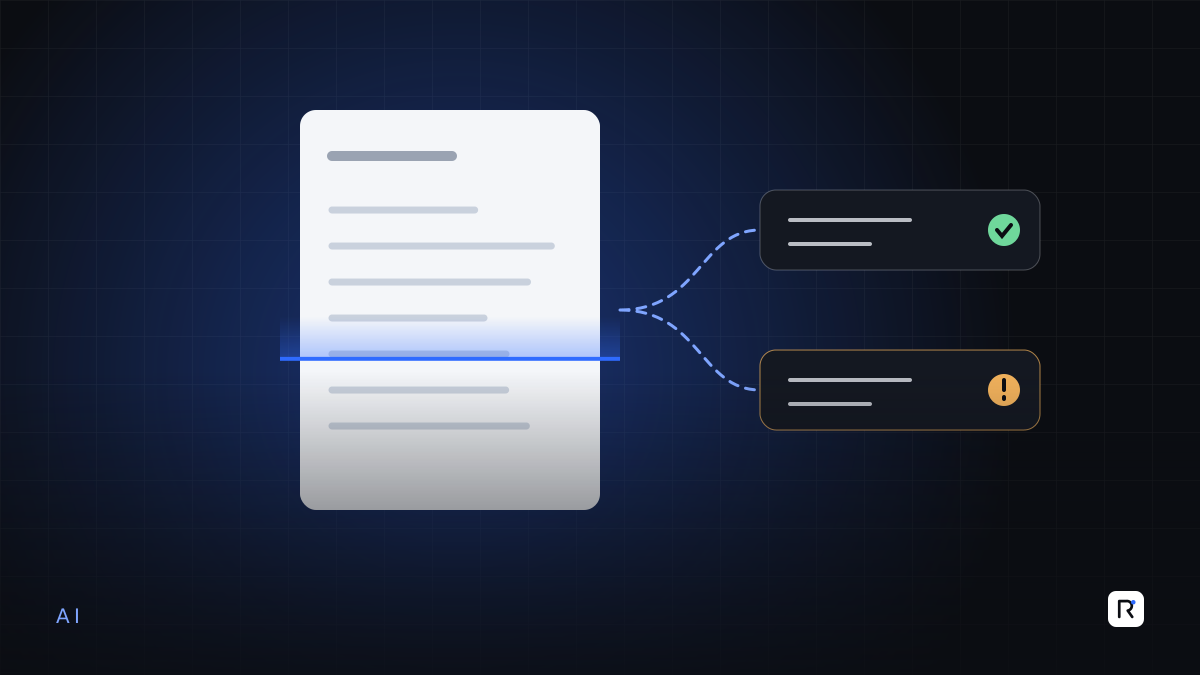
Purchase orders, invoices, packing lists, test reports, buyer manuals and compliance questionnaires arrive in every format imaginable. Modern AI models are good at pulling structured fields out of them: order numbers, quantities, dates, style codes, delivery terms. A person then reviews the extracted fields against the source before they enter your system. The work moves from typing to checking, which is faster and less tiring.
Drafting routine writing
First drafts of emails to buyers or suppliers, meeting notes, standard operating procedures, job descriptions and internal reports. The person still edits and sends. The value is that nobody starts from a blank page.
Searching your own knowledge
Most companies have years of policies, buyer requirements, technical files and past correspondence that nobody can find. An assistant connected to a controlled set of your own documents can answer "what does this buyer require for carton marking?" and show the source paragraph. The source link matters: it lets people verify instead of trusting.
Summarising and classifying
Sorting incoming emails or support requests by type and urgency, summarising long threads, tagging quality complaints by cause. These are tasks where a reasonable first pass saves time and a person corrects the exceptions.
Helping your developers
Software teams use AI to write tests, explain unfamiliar code and produce first drafts of routine features. This speeds up delivery, provided experienced developers review everything that is merged. The responsibility for the code does not move to the tool.
Where AI does not add value, yet
- Final decisions with financial or legal consequences. Approving payments, accepting orders, signing off compliance declarations. AI can prepare the file; a named person decides.
- Exact calculations that must be right every time. Costing, payroll, consumption and tax belong in ordinary, tested software with clear rules. Language models can explain a number; they should not be the system that produces it.
- Processes that are not defined. If two managers would do the task differently, AI will not resolve the disagreement. It will reproduce the confusion faster.
- Data you do not have. AI cannot forecast production or demand from records that were never captured. Fix data capture first.
- Anything where a confident wrong answer is dangerous. AI models can produce fluent, plausible text that is simply incorrect. Use them where errors are visible and cheap to catch.
AI accelerates the work. People stay accountable for the result.
Human review: design it in, do not bolt it on
"A person will check it" only works if checking is easy and expected. When you introduce an AI step into a process:
- Show the source next to the output. The reviewer should see the original document beside the extracted fields or the summary.
- Highlight uncertainty. Fields the system is unsure about should be marked, so attention goes where it is needed.
- Record who approved what. Keep a log of the AI output, the human edits and the final approval. This protects both the company and the reviewer.
- Measure corrections. Track how often reviewers change the output, and on which fields. That tells you honestly whether the tool is helping.
- Keep a manual path. If the AI service is unavailable or clearly wrong, the work must still be possible by hand.
Data privacy: questions to answer before you start
Using a public AI tool means sending your text to someone else's servers. For a garment exporter, that text might include buyer pricing, unreleased designs or worker personal data. Before any team uses AI with company information, settle these points:
- Which tools are approved? Prefer business or enterprise plans whose terms state that your data is not used to train the provider's models. Read the terms rather than assuming.
- What data is off limits? Write a short list: for example, employee personal records, bank details, buyer contracts and pricing, unless the tool is specifically approved for them.
- Where is data stored and for how long? Check retention settings and the provider's region options.
- What do your customers require? Many buyers include confidentiality and data-handling clauses in their agreements. Check that your AI use is consistent with them, and with the data protection law that applies to you and to them.
- Who has access? An assistant connected to company documents should respect the same permissions as the documents themselves.
A one-page AI use policy, written in plain language and shared with staff, prevents most problems. Without one, people will use whatever free tool is nearest.
How to start without wasting money
- Pick one painful, repetitive, document-heavy task. Order entry from buyer POs is a common candidate.
- Define what "good" looks like. Time per document today, error rate today, and what level of review is acceptable.
- Run a small, time-boxed pilot on real documents with the people who do the work, using an approved tool.
- Compare honestly. Count the time saved after review, not before it. If the gain is small, stop and choose another task.
- Only then integrate. Connect the step to your systems once it has proved its worth.
Where RAED fits
We add AI to business systems where it measurably reduces effort, with review screens, audit logs and data controls built in from the start. Where a rules-based solution or better data capture is the right answer, we say so.