Many established businesses run on software that has served them well for years: an accounts package customised long ago, a production system written by a developer who has since moved on, an Access database that grew into the heart of the commercial department. It still works, mostly. But it is getting harder to change, harder to support and harder to connect to anything new.
At some point, the question comes up: should we rebuild it, improve what we have, or replace it with something else? The answer is rarely obvious, and the cost of getting it wrong is high in both directions. This article offers a practical way to decide.
Signs your software has become a liability
- One person dependency. Only one developer or one staff member understands how it works.
- Changes are slow and risky. Small requests take weeks, and fixing one thing often breaks another.
- Unsupported foundations. It runs on operating systems, databases or frameworks that no longer receive security updates.
- Workarounds everywhere. Staff export data to Excel to do what the system cannot.
- No integration. It cannot easily share data with your accounts, buyer portals, mobile apps or newer systems.
- Hard to access. It only works on certain office computers, not from a browser or phone.
Unsupported foundations deserve particular attention. For example, Microsoft's published lifecycle pages show that Windows 10 Home and Pro reached end of support on 14 October 2025, and that extended support for SQL Server 2014 ended on 9 July 2024, with paid extended security updates available for a limited period after that. Software that depends on platforms like these carries a growing security risk, whatever its features.
The three main options
Refactor: improve what you have
Keep the existing system, but clean up its code, move it to supported platforms, add documentation and tests, and improve specific parts. Sometimes this includes "rehosting": moving the same application to a newer server or the cloud.
Suits: systems whose business logic is sound and well matched to how you work, but whose technical foundation is ageing.
Watch for: code so tangled that every improvement costs more than expected.
Rebuild: write it again
Build a new system that does what the old one did, and more, using modern technology. The old system's behaviour becomes the starting specification.
Suits: systems that are central to how you compete, where off-the-shelf products do not fit, and where the current code is beyond economical repair.
Watch for: the temptation to rebuild everything at once, and the hidden rules buried in old code that nobody remembers until they are missing.
Replace: move to a product
Adopt an existing package or cloud service, configured to your needs, and migrate your data into it.
Suits: standard functions such as accounting, payroll or email, where your process is not a source of advantage and good products exist.
Watch for: products that require you to change working practices you depend on, and customisation that recreates the old problem in a new system.
The safest modernisation is rarely a single switch-over weekend. It is a series of smaller moves, each of which leaves the business working.
A decision framework
Assess each major part of the system, not just the system as a whole, against five questions:
- Business value. Does this part support something distinctive about how you work, or is it a standard function?
- Fit. Does it still match how the business operates today?
- Technical health. Is it on supported platforms, documented and reasonably maintainable?
- Change pressure. How often do you need to change it, and how painful is that?
- Integration needs. Does it need to exchange data with other systems, partners or mobile users?
A rough guide follows from the answers:
- Standard function, good products available: replace.
- Distinctive, good fit, poor technical health: refactor, or rebuild in stages if the code is beyond repair.
- Distinctive, poor fit, frequent change: rebuild in stages.
- Low value, rarely used: consider retiring it altogether.
Most businesses end up with a mix: replace the accounts package, rebuild the production and order modules in stages, and retire a handful of reports nobody uses.
Reduce risk with staged change
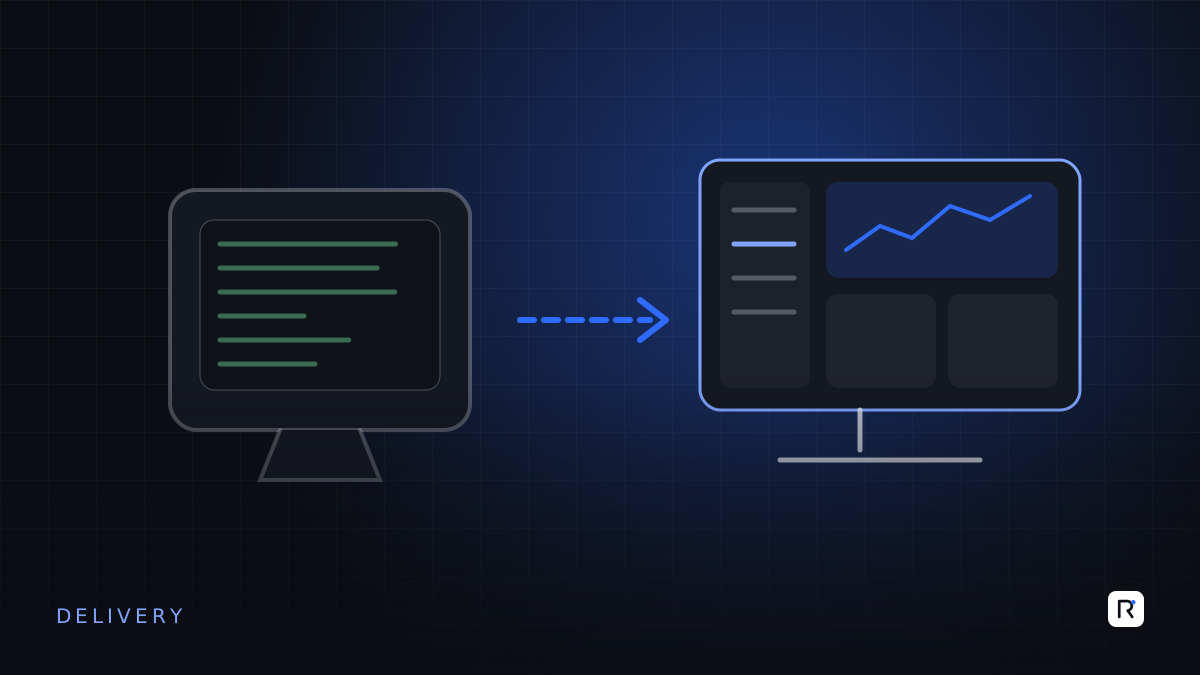
Rather than replacing everything at once, modernise one area at a time while the old system keeps running. A common approach is to put a modern layer, such as an API, in front of the old system, then move functions behind it one by one. Users see gradual improvements; the business is never without a working system.
Before you change anything
- Document what the system actually does, including calculations, validations and reports, by reading the code and interviewing users.
- Back up and secure the old system, and make sure you can restore it.
- Clean and map the data. Data migration is usually the hardest part of any modernisation, not the new screens.
- Agree how long the old system stays available for reference, and in what form.
Common mistakes
- Copying every old feature. Some exist only to work around problems the new system will not have. Ask why each one is needed.
- Underestimating the data. Years of inconsistent codes and duplicate records take time to resolve.
- Leaving users out. The people who use the system daily know the hidden rules and exceptions.
- Doing nothing because it still works. Unsupported software tends to fail at inconvenient moments, and recovery is harder the longer it waits.
Questions to ask before deciding
- Which parts of our system are genuinely distinctive, and which are standard?
- What platforms does it depend on, and are they still supported?
- Who understands it today, and what happens if they leave?
- What is the cost of keeping it for another three years, including risk?
- Can we modernise in stages without stopping the business?
Where RAED fits
We assess legacy systems module by module and recommend whether to refactor, rebuild or replace each part, then carry out the work in stages so the business keeps running. Where a product is the better answer, we will say so and help with the migration.
Sources
- Microsoft Learn, "Windows 10 Home and Pro - Microsoft Lifecycle". learn.microsoft.com
- Microsoft Learn, "SQL Server 2014 - Microsoft Lifecycle". learn.microsoft.com