Operations
Mobile apps for field and floor teams: what to build, how to work offline, which devices
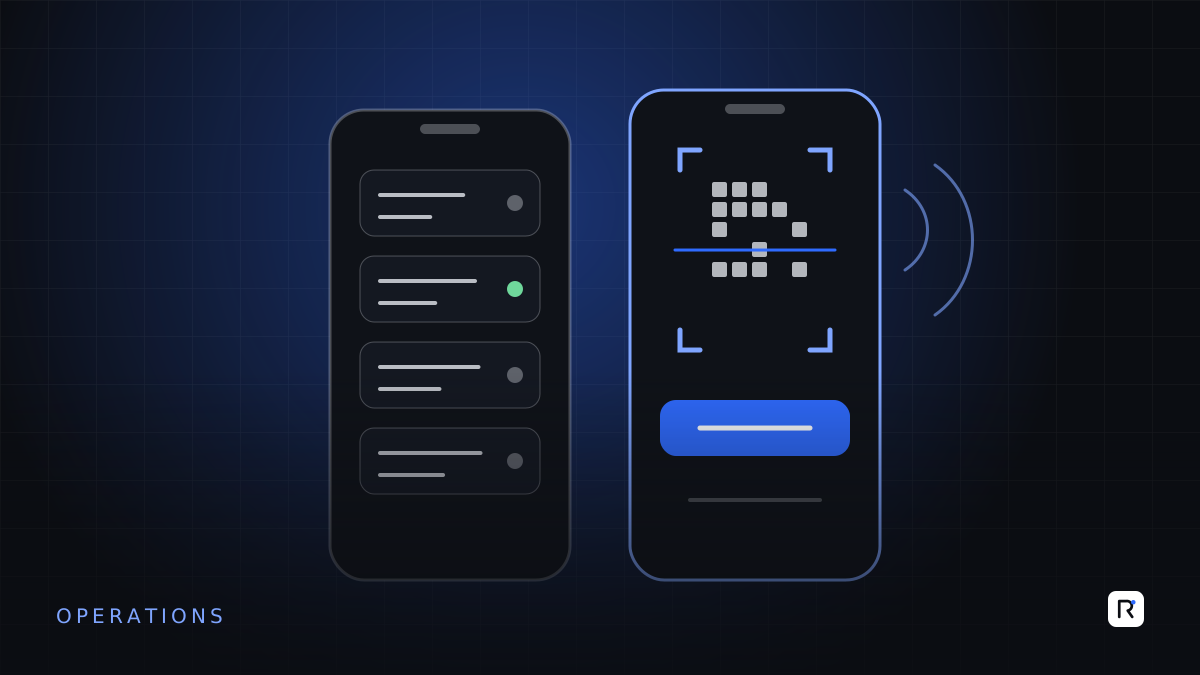
A great deal of important business work never happens at a desk. Sales officers visit retailers and take orders. Quality inspectors walk the lines with a clipboard. Store staff count cartons in a warehouse with poor signal. Delivery teams collect signatures at the customer's gate. In most mid-size businesses, that work is captured on paper or in messaging apps, then re-typed into a system later by someone else, if it is captured at all.
A well-designed mobile app closes that gap: the record is made where the work happens, by the person doing it. But mobile projects also fail in predictable ways. This article covers what is worth building, why offline use matters more than most people expect, and how to choose devices that survive real conditions.
Start with the job, not the app
The first question is not "should we have an app?" but "which piece of work, done away from a desk, costs us most when it is recorded late or wrongly?". Good candidates share three traits: the work is repeated many times a day, the information is needed quickly by someone else, and errors in re-typing cause real cost.
Typical candidates by team
- Field sales and distribution: order taking at the outlet, visit check-ins, retailer stock counts, collections against invoices.
- Factory floor: inline and end-of-line quality checks, production counts per hour, machine breakdown reports, material requests to the store.
- Warehouse and store: goods receipt against purchase orders, picking and dispatch, cycle counts.
- Delivery and service: proof of delivery with photo and signature, service visit reports, customer complaints logged on site.
Pick one of these for the first release. An app that does one job well is used. An app that tries to do eight jobs at once is usually abandoned for the old notebook.
A mobile app succeeds when it is the fastest way to do the job, not when it is the most complete.
Design for the person in the field
Field and floor users work standing up, often with one hand, in heat, noise and poor light. They are interrupted constantly. Design accordingly.
- Few taps per record. Pre-fill everything the app can know: the user, the date, the line, the route, the customer they are standing in front of.
- Pick, do not type. Use lists, buttons, barcode or QR scans and photos instead of free text wherever possible.
- Large targets and clear feedback. Buttons big enough for a thumb, and a distinct confirmation when a record is saved.
- Bangla where it helps. Offer the interface in the language the user reads most comfortably, and keep labels short.
- Show something useful back. A sales officer should see today's route and targets; a supervisor should see their own line's figures. If the app only takes and never gives, enthusiasm fades.
Offline is a requirement, not a feature
Mobile data coverage is good in many places and poor in others: inside steel-framed factory buildings, in basements and warehouses, on rural routes. If the app stops working when the signal drops, users will go back to paper the first time it fails them in front of a customer.
What "works offline" should mean
- Reference data is on the device. Customer lists, product catalogues, prices, styles and checklists are downloaded in advance and refreshed when there is a connection.
- Records are saved locally first. Every order, check or count is stored on the device immediately, then sent when the connection returns, without the user having to do anything.
- Status is visible. The user can see what has been sent and what is waiting, so nobody wonders whether an order reached the office.
- Conflicts have rules. Decide in advance what happens when two people change the same record, or when a price changed while a device was offline. Usually the server applies a clear rule and flags the exception for a person to review.
Offline support affects the whole design, from data structure to testing. It is much cheaper to plan it from the start than to add it after users complain.
Native app, web app or something in between
There are three broad options, and each has a place:
- Mobile-friendly web application. Quickest to build and update, no app store involved. Suitable for office-adjacent users with reliable connections, such as managers approving requests. Offline capability is more limited.
- Progressive web app. A web application that can be installed on the home screen and cache data for offline use. A reasonable middle ground for simpler forms and lists.
- Native or cross-platform app. Best for heavy offline use, scanning, camera, GPS and integration with device hardware such as rugged scanners and printers. More effort to build and distribute.
For most field sales, warehouse and floor use where offline matters, a cross-platform app, built once and run on the devices your teams already carry, is often the most sensible choice. Check what those devices actually are before deciding: the operating system, its version and the storage free on a typical handset.
Choosing devices
Device choice is a business decision as much as a technical one. Consider:
- Company-owned or personal phones. Company devices give you control over apps, security and replacement. Personal phones are cheaper to start but raise questions about data, battery, storage and who pays when one breaks.
- Ordinary phones or rugged devices. Rugged handhelds with built-in scanners cost more but survive drops, dust and long shifts. For high-volume scanning in a warehouse, they often pay for themselves in time saved and fewer breakages.
- Battery for a full shift. Test with the real workload, screen brightness and scanning. Plan charging points and spare batteries where needed.
- Device management. Use a mobile device management tool to install updates, lock lost devices and remove access when someone leaves.
Always pilot with the actual device in the actual environment. A phone that works perfectly in the office may be unreadable in direct sunlight at a market or too slow to scan a carton label at speed.
Security on devices that leave the building
- Individual logins, with a PIN or biometric unlock for quick access during the day.
- Only the data each user needs stored on their device, not the full customer master.
- Encrypted local storage, and the ability to wipe the app's data remotely.
- Automatic logout or lock after inactivity.
A practical path
- Choose one job and one team. Walk the work with them for a day.
- Define the data, the offline rules and what the office needs to receive.
- Build a focused first version and pilot it with a small group on real devices.
- Measure what changed: how quickly records reach the office, how many corrections are needed, how much re-typing has stopped.
- Retire the paper form on an agreed date, then extend to the next job.
Questions to settle before you start
- Who will use the app, where, and for how long each day?
- What must work with no connection at all?
- Which system does the data go into, and who owns it there?
- Who supplies, manages and replaces the devices?
- What happens to the paper process, and when?
Where RAED fits
We design and build mobile and web apps for field, warehouse and factory teams, with offline working, scanning and integration into the systems you already use. We start by watching the work, and pilot on real devices before rolling out.