Logistics
Delivery and fleet tracking: from phone calls to live status customers can see
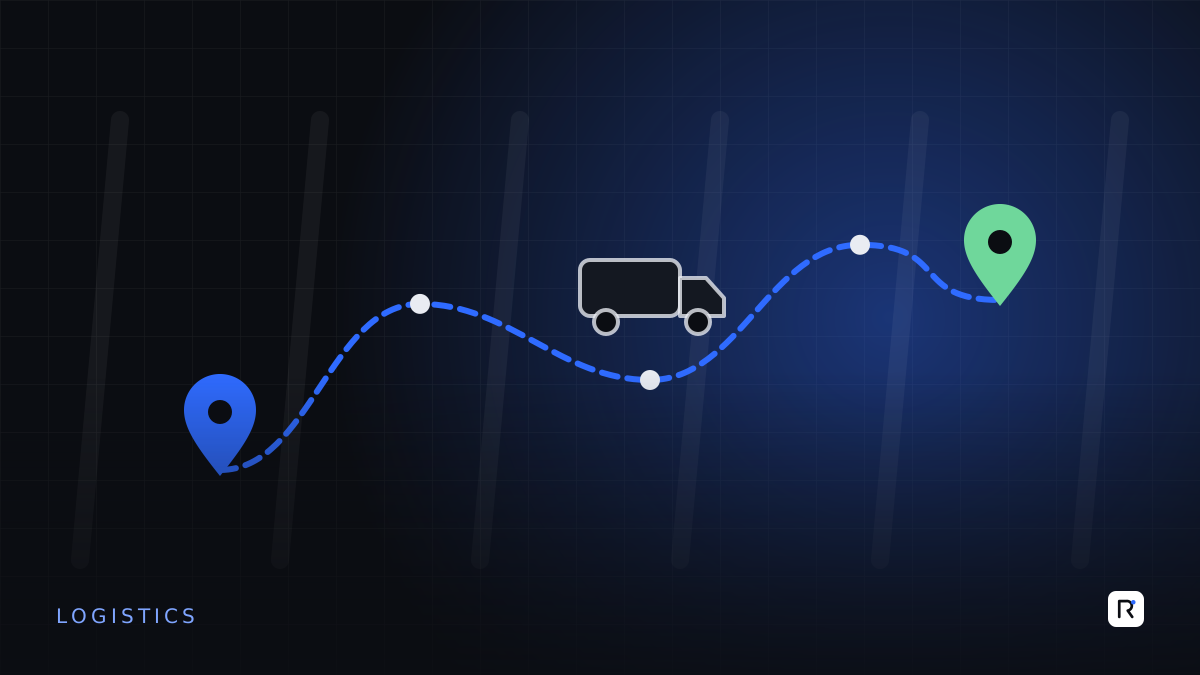
In many delivery businesses, the busiest piece of equipment is the dispatcher's phone. Customers call to ask where their parcel is. The dispatcher calls the rider. The rider, who is driving, does not answer. Someone calls the customer back with a guess. Multiply that by a few hundred deliveries a day and a good part of the team's time goes on finding out what is happening rather than making it happen.
Whether you run a courier service, a distribution business with your own vans, a food or grocery delivery operation, or a service company with technicians on the road, the goal is the same: replace phone calls with a live, trustworthy status that dispatchers, managers and customers can all see. This article explains how to get there in practical steps.
What "tracking" should actually mean
Tracking is often reduced to a dot on a map. A dot is useful, but on its own it does not answer the questions people actually ask:
- Customers want to know when their delivery will arrive and whether anything has gone wrong.
- Dispatchers want to know which jobs are at risk of being late, and which rider is best placed to help.
- Managers want to know how many deliveries succeeded first time, and why the others failed.
Those answers come from status events, not just location: picked up, out for delivery, arrived, delivered, failed with a reason. Location makes the events more precise and the estimates better, but events are the foundation.
Step 1: define your statuses and failure reasons
Agree a short list of statuses that every job passes through, and a short list of reasons a delivery can fail: customer not available, wrong address, refused, payment not ready, access problem, vehicle issue. Keep both lists short enough for a rider to choose from in two taps.
This sounds administrative, but it is the most important step. Without consistent statuses and reasons, no amount of technology will produce reliable reports.
Step 2: a rider app built for the road
The rider app is where status events are created, so it must be fast and forgiving.
- Today's jobs, in order. A list with addresses, contact numbers, cash to collect and any notes.
- Big buttons for each status. One tap to start, one tap to mark arrived, one tap plus a reason to mark failed.
- Proof of delivery. A photo, a signature or a one-time code from the customer, depending on the value of the goods.
- Offline working. Coverage drops in buildings, basements and on some routes. The app must save events locally and send them when the connection returns.
- Navigation hand-off. Open the address in the rider's preferred maps app rather than building your own navigation.
- Battery awareness. Constant high-precision location drains phones quickly. Record location at sensible intervals and at each status event.
Step 3: a dispatch view that highlights problems
The dispatcher's screen should not simply show every rider on a map. It should draw attention to exceptions:
- jobs that are running late against their promised window;
- riders who have not sent an update for longer than usual;
- failed deliveries waiting for a decision (retry today, retry tomorrow, return to sender);
- cash collected that has not yet been handed in.
A dispatcher managing by exception can handle far more jobs than one watching every dot.
The best tracking system is the one that means nobody needs to pick up the phone to ask where something is.
Step 4: give customers the status directly
Once statuses are reliable, share them:
- A message when the order is picked up, with a tracking link.
- A message when it is out for delivery, with an expected window.
- A live view of the rider's approach shortly before arrival, if that suits your business.
- A confirmation on delivery, with proof where appropriate.
- A clear message when a delivery fails, with a simple way to rearrange.
Be careful with privacy. Show the rider's location only during the active delivery, show a first name rather than a full profile, and stop sharing location as soon as the job is complete.
Step 5: use the data to improve
After a few weeks of consistent events, you can answer questions that were guesswork before:
- What share of deliveries succeed at the first attempt, by area and by time of day?
- Which failure reasons are most common, and which can be prevented with a call or message before dispatch?
- How long does a typical stop take, and how many stops can a rider realistically complete?
- Which routes or areas consistently run late?
These measures lead to concrete changes: confirming addresses before dispatch, adjusting delivery windows, rebalancing areas between riders, or asking for prepayment in areas with high refusal rates.
Fleet vehicles: when you need more than phones
If you operate your own vans or trucks, a dedicated vehicle tracker can add engine status, mileage and driving behaviour, and keeps working when the driver's phone is off. Many businesses combine the two: the vehicle tracker for fleet management and maintenance, and the phone app for job status and proof of delivery. Make sure both feed into the same dispatch view.
Common mistakes
- Starting with the map. A live map with no reliable statuses produces more phone calls, not fewer.
- Too many fields for riders. If marking a delivery takes more than a few seconds, it will be done in a batch at the end of the day.
- No offline mode. Lost events lead to lost trust in the system.
- Ignoring cash on delivery. Tracking parcels without tracking collected cash leaves the riskiest part of the process unmanaged.
- Not involving riders. Test the app with real riders on real routes before rolling it out.
Where to start
- Agree statuses and failure reasons with dispatchers and senior riders.
- Pilot a simple rider app with a handful of riders in one area.
- Add the dispatch exceptions view once events are reliable.
- Switch on customer messages, then live tracking links.
- Review the first-attempt success rate monthly and act on the top failure reason.
Where RAED fits
We build rider and driver apps, dispatch dashboards and customer tracking pages, and connect them to the order, courier and accounting systems you already use. We usually begin with a small pilot so the design is shaped by the people on the road.