Ask a merchandiser where an order stands and you will usually get an accurate answer, eventually. It will come from a personal Excel tracker, a stack of emails with the buyer, a call to the fabric supplier, a message to the cutting in-charge and a look at the production board. The knowledge exists. It is simply spread across people, files and inboxes, and assembled by hand every time someone asks.
Digital order tracking does not replace the merchandiser's judgement. It gives everyone, from the merchandiser to the MD, the same view of every order, built from records that are updated as work happens. This article looks at what to track, how to structure it, and how to make it something merchandisers rely on rather than another report to feed.
Why the personal tracker stops working
Most merchandising teams run on individual spreadsheets, and for a while that works. The problems appear as volume grows:
- Each merchandiser's tracker has different columns, so nobody can see the whole order book in one place.
- Dates are updated when someone remembers, so the tracker is often a few days behind reality.
- When a merchandiser is on leave or resigns, their orders become hard to follow.
- Management reviews depend on someone compiling the trackers into one file, usually the night before.
- Delays are discovered when they are already late, not when they first start to slip.
Build the order around a time and action calendar
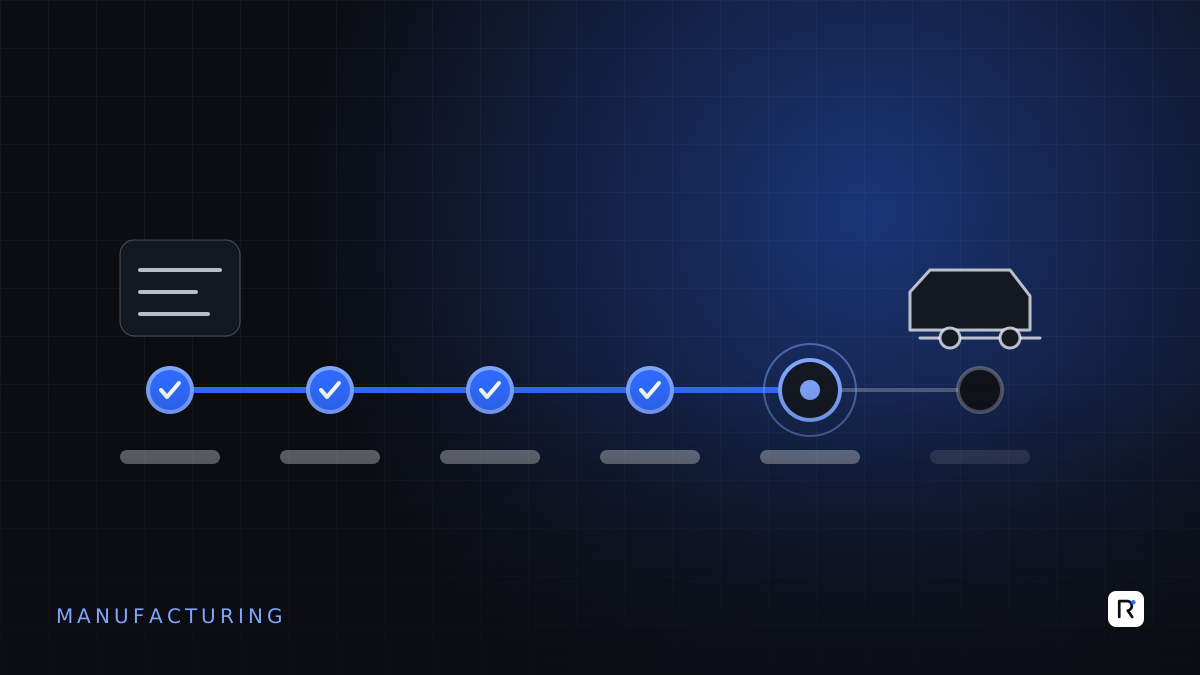
Most export-oriented factories already plan orders with a time and action (T&A) calendar: the list of critical milestones between order confirmation and shipment, each with a planned date. The calendar is the natural backbone for digital tracking.
Typical milestones
- Order confirmation and purchase order received.
- Lab dips, strike-offs and approvals.
- Fit, size set and pre-production samples sent and approved.
- Fabric and trims booked, in-housed and inspected.
- Pre-production meeting held.
- Cutting, sewing and finishing start and finish.
- Inspection booked and passed.
- Booking with the forwarder, documents prepared, goods handed over.
Not every order needs every milestone. Keep standard templates by buyer or product type, and let merchandisers adjust the plan per order with a reason.
An order tracker is only as good as its least reliable date. Plan dates should come from a template; actual dates should come from the work itself.
Where the actual dates should come from
The difference between a digital tracker and a shared spreadsheet is where the "actual" dates come from. As far as possible, they should be recorded by the people and systems doing the work, not typed later by the merchandiser.
- Sample approvals: recorded when the buyer's comments arrive, with the comment attached.
- Material in-house: taken from the store's goods receipt against the booking, including short or rejected quantities.
- Production progress: taken from cutting, sewing and finishing output, ideally from floor tracking rather than end-of-day summaries.
- Inspection and shipment: taken from the quality and commercial teams' own records.
Where data is not yet captured in a system, a simple update screen for the responsible department is still better than relaying information through the merchandiser.
Make delays visible early
The real value of tracking is not knowing that an order is late. It is knowing early enough to act. Useful rules include:
- Milestone at risk: a milestone is within a set number of days of its plan date and the previous step is not complete.
- Knock-on effect: when a milestone slips, show which later milestones and which shipment date are now threatened.
- Material gap: fabric or trims booked but not in-housed close to planned cutting.
- Output gap: daily production below the rate needed to meet the ex-factory date.
Send these as alerts to the person who can act, and show them as a short exception list in the daily or weekly order review. A good review discusses ten orders at risk, not two hundred orders on schedule.
Views for different people
Merchandiser
"My orders", sorted by next critical date, with buyer comments, pending approvals and open issues in one place.
Merchandising manager
The team's order book, orders at risk, workload by merchandiser and buyer, and milestones overdue by more than an agreed number of days.
Production and planning
Confirmed orders with material status, so lines are not loaded with orders whose fabric has not arrived.
Management
Shipments due this month and next, the value at risk, and recurring causes of delay by buyer, supplier or stage.
Connect, do not duplicate
Order tracking touches many other records: the buyer's purchase order, bookings with suppliers, store receipts, production output, inspection results and export documents. Where those records already live in an ERP, accounts or production system, the tracker should read from them rather than ask people to enter the same information twice. Where they do not, the tracker can become the first place they are captured, and other systems can follow.
Common mistakes
- Copying the spreadsheet into software. A tracker with sixty columns that the merchandiser still updates by hand is a more expensive spreadsheet.
- Too many milestones. Track the steps that genuinely decide the ship date. Detailed sub-steps can live with the department that owns them.
- No owner for each milestone. Every milestone needs one responsible role, or every delay belongs to everyone.
- Ignoring revisions. Buyers change quantities, colours and dates. Keep the history of what changed, when and why, rather than overwriting the original plan.
- Launching for all buyers at once. Start with one buyer or one merchandising team, prove the routine, then extend.
A readiness checklist
- Do you have an agreed T&A template for your main buyers or product types?
- Is each milestone owned by a named role?
- Which actual dates can come directly from existing records today?
- Who reviews the at-risk list, and how often?
- When will the personal trackers be retired?
Where RAED fits
We build order tracking and merchandising systems around your own T&A calendars, connected to store, production and commercial records so that dates update from the work itself. We usually start with one team and extend once the daily routine is working.