Most businesses believe they have backups. Fewer know exactly what is backed up, where the copies are, how old the latest one is, or how long it would take to get the business running again from them. That gap is usually discovered on the worst possible day: a server disk fails, ransomware encrypts the shared drive, a fire or flood damages the office, or someone deletes a year of records by mistake.
A sensible backup and disaster recovery plan for a mid-size business does not need to be elaborate. It needs to be deliberate, written down and tested. This article sets out what that looks like in practice.
Two questions that shape everything
Before choosing tools, decide two things for each important system. The US National Institute of Standards and Technology (NIST) uses these terms in its contingency planning guidance:
- Recovery point objective (RPO): the point in time to which data must be recovered after an outage. In plain terms, how much recent work you can afford to lose.
- Recovery time objective (RTO): how long a system can be in recovery before the business is seriously affected. In plain terms, how long you can manage without it.
These are business decisions, not IT decisions. For example, a business might decide that its accounting system can lose no more than a few hours of entries and must be back within one working day, while an archive of old drawings can lose a week and wait several days. The answers decide how often you back up and how quickly you need to restore.
A simple way to set them
- List your systems and important data: accounting, payroll, ERP or production, email, file shares, design files, websites.
- For each, ask the people who use it: "If this disappeared at 3pm today, how far back could we go, and how long could we manage?"
- Record the answers, agree them with management, and rank systems by priority.
The 3-2-1 rule
A widely used starting point, described in guidance published by the US Cybersecurity and Infrastructure Security Agency (CISA), is the 3-2-1 rule:
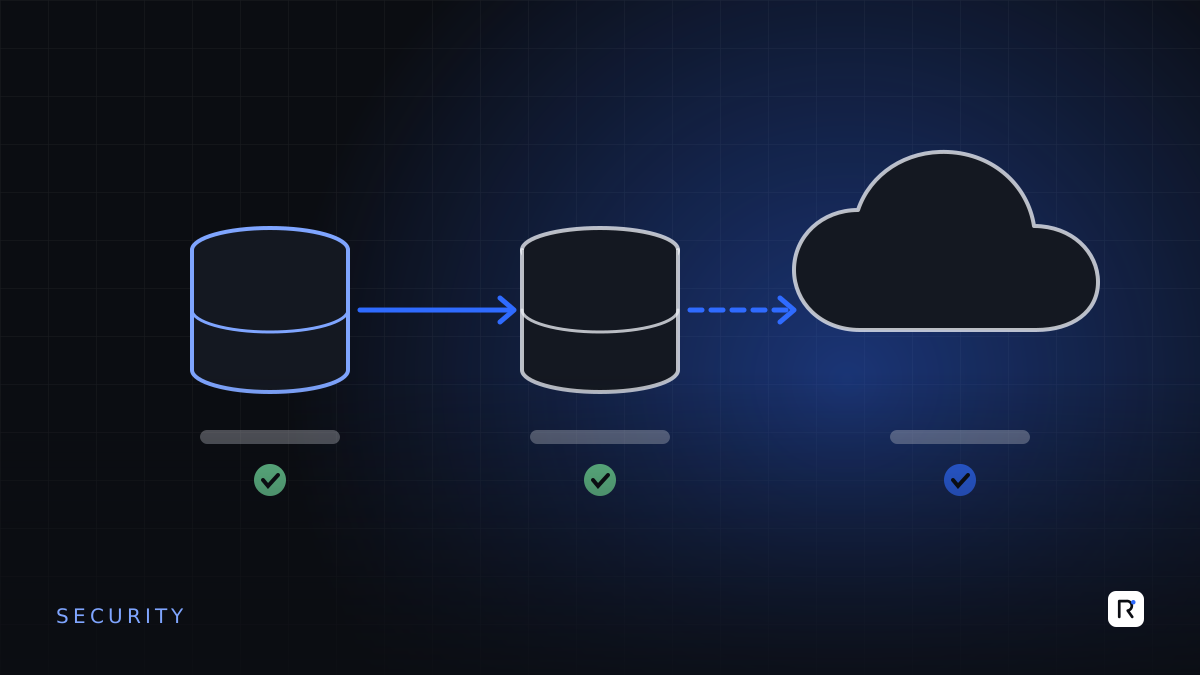
- 3 copies of any important file: one primary and two backups.
- 2 different media types, to protect against different kinds of failure.
- 1 copy stored offsite, outside your business premises.
Ransomware has added an important refinement. Attackers often look for backups on the network and encrypt or delete them too. At least one copy should therefore be isolated: offline, or in a separate account with different credentials and protection against deletion, so that an attacker with access to your main systems cannot reach it.
A backup you have never restored is a hope, not a plan. The test restore is the part that matters.
What a practical setup looks like
Servers and business systems
- Automatic, scheduled backups of databases and application data, at a frequency that meets each system's RPO.
- A local copy for quick restores of everyday mistakes, such as a deleted file.
- An offsite or cloud copy protected against deletion and accessible only with separate credentials.
- Configuration and installation details documented, so a system can be rebuilt on new hardware, not just its data restored.
Cloud services
Moving email and documents to a cloud service does not automatically mean they are backed up in the way you need. Check what the provider keeps, for how long, and whether deleted or overwritten data can be recovered after that period. For critical data, consider an independent backup.
Laptops and desktops
Important work should be stored in managed shared locations or synchronised cloud folders, not only on a personal device. A broken laptop should cost a day of inconvenience, not the only copy of the costing files.
Disaster recovery is more than backups
Backups give you the data. Disaster recovery is the plan for getting the business working again. Write a short document that answers:
- Who decides that a disaster has happened and recovery begins?
- What is restored first, following your agreed priorities?
- Where it runs if the original server or office is unavailable: spare hardware, a cloud environment, or a second site.
- How people work in the meantime, for example manual order taking or offline production records, and how that data is entered afterwards.
- Who to contact: internal staff, IT providers, software vendors, internet providers, insurers.
- Where the plan is kept, including a copy that does not depend on the systems it is meant to recover.
Testing: the step most often skipped
- Monthly: restore a few files and one database to a test location and check they open correctly.
- Every six months: restore a complete priority system and time it against the RTO.
- Once a year: walk through the disaster recovery plan with the people involved, using a realistic scenario.
Record each test: what was restored, how long it took, and what went wrong. Problems found in a test are cheap. Problems found during a real incident are not.
Common gaps
- Backups that silently stopped running months ago, with nobody checking the reports.
- All copies on the same network, reachable with the same administrator password.
- Backups of data, but no record of how to rebuild the application around it.
- A plan that only one person understands.
- Backup media stored in the same room as the server.
Questions to ask your IT team or provider
- For each critical system, what are our RPO and RTO, and can we currently meet them?
- Where are our backup copies, and could ransomware on our network reach all of them?
- When did we last restore a full system, and how long did it take?
- Who is alerted if a backup fails, and what do they do?
- If our office were unusable tomorrow, where would our systems run?
Where RAED fits
We design backup and recovery into the systems we build and host, and we can review your current arrangements against the recovery targets your business actually needs. Where gaps exist, we help close them in order of priority.
Sources
- NIST Computer Security Resource Center glossary, "Recovery Point Objective" and "Recovery Time Objective", citing NIST SP 800-34 Rev. 1. csrc.nist.gov and csrc.nist.gov
- CISA (US-CERT), "Data Backup Options", Paul Ruggiero and Matthew A. Heckathorn, 2012. cisa.gov