Integration
Connecting your systems: what API integration means for accounts, sales and production
In many growing businesses, the most important integration is a person. A sales coordinator copies confirmed orders from email into the order sheet. A planner re-types them into the production plan. An accounts officer enters invoices again into the accounting software, and someone else reconciles all three at month-end. Each system works on its own. The business runs on the people carrying data between them.
API integration is the practical alternative: systems exchanging data directly, under rules you define. This article explains what that means in plain terms, where it pays off for accounts, sales and production, and what to settle before you start.
What an API is, without the jargon
An API (application programming interface) is a defined way for one system to ask another for data, or to send it data. Think of it as a service counter with a published menu: the accounting system might offer "create invoice", "get customer balance" and "list payments received". Another system can use those requests automatically, without anyone opening a screen.
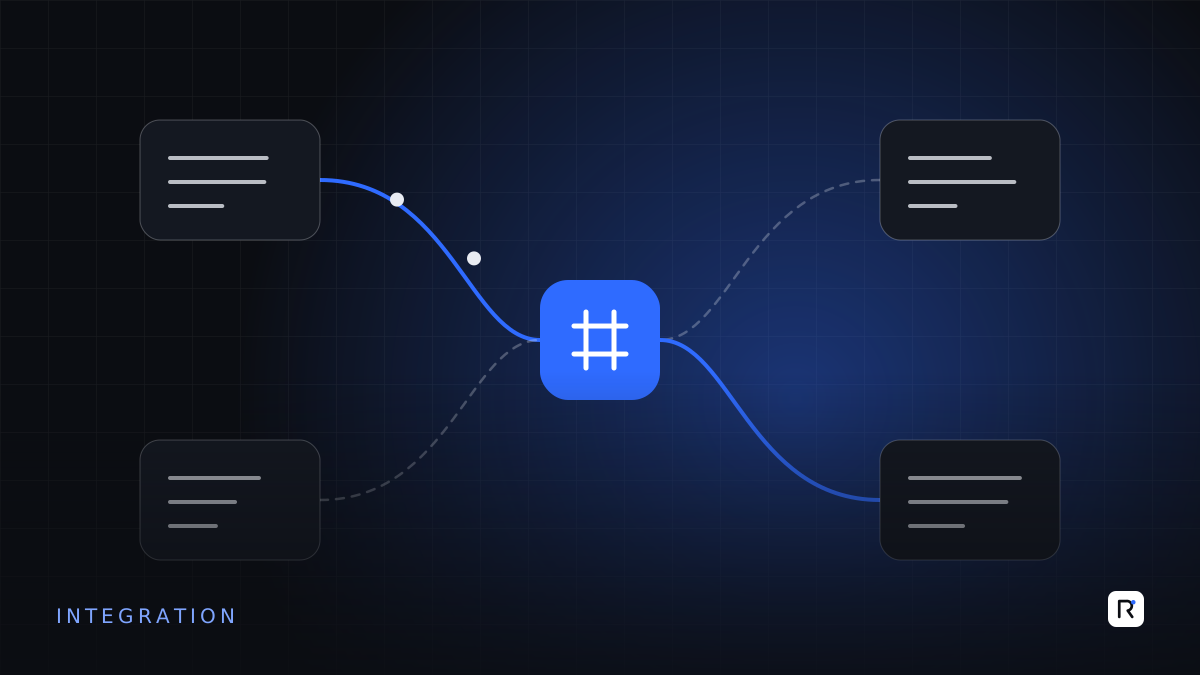
Integration means using these counters to keep systems in step. When an order is confirmed in sales, the production system receives it. When goods are shipped, accounts receives the invoice details. When a payment is recorded, sales can see the customer's updated balance.
Every time a person re-types data from one screen into another, the business is paying for an integration it has not built yet.
Where integration pays off
Sales to production
Confirmed orders, with styles, quantities, sizes and delivery dates, flow into planning without re-entry. Changes to an order are reflected in the plan the same day. Production progress flows back, so sales can answer "where is my order?" without phoning the floor.
Sales and operations to accounts
Shipments generate invoice data in the accounting system. Purchase receipts create supplier bills for matching. Payments recorded in accounts update customer credit status in sales. Month-end reconciliation becomes a check of exceptions rather than a rebuild of the month.
Production to inventory and purchasing
Material issued to production reduces stock automatically. Planned orders generate material requirements, which purchasing can review and convert into orders.
HR and attendance to payroll
Attendance devices or systems feed working hours into payroll, with exceptions flagged for review rather than re-entered by hand.
Your systems to external parties
Buyer portals, bank platforms, courier services and e-commerce sites increasingly offer APIs. Connecting to them removes manual uploads and downloads, though the work depends on what each party actually provides.
Decisions to make before you connect anything
Which system owns each piece of data?
For every important item (customer, product, price, order, stock, invoice), decide which system is the master. Customers might be created in sales and copied to accounts, never the other way round. Without this rule, integrations create conflicts and duplicates.
How quickly must data move?
Not everything needs to be instant. Order confirmations to production may need to move within minutes. Daily sales summaries to accounts might move once each night. Faster is more complex; choose the speed the business genuinely needs.
What happens when something fails?
Networks drop, systems are updated, data arrives in an unexpected format. A good integration logs every message, retries sensibly, and alerts a named person when something cannot be processed. A silent failure, discovered weeks later at month-end, is the worst outcome.
How will codes match?
Customer codes in sales, account codes in accounts and buyer codes in production must be mapped to each other. Cleaning and mapping master data is often the largest part of an integration project, and the part most often underestimated.
Common approaches
- Direct, point-to-point integration. One system calls another's API. Simple for two or three connections, harder to manage as the number grows.
- A central integration layer. A small service, or an integration platform, sits in the middle, translating and routing data between systems. Better when you have several systems and expect more.
- Scheduled file exchange. Where a system has no API, a scheduled export and import of structured files can still remove manual work. It is less elegant, but often perfectly adequate.
The right choice depends on how many systems you have, how often they change, and who will maintain the integration.
Questions to ask about each system
- Does it have a documented API, and which operations does it support?
- Is API access included in our licence, or charged separately?
- Are there limits on how many requests we can make?
- How does it authenticate other systems, and can access be limited to what is needed?
- Will the vendor keep the API stable, and give notice of changes?
- If there is no API, can we export and import data on a schedule?
A phased way to start
- Map the flows. Draw how data moves between departments today, including every point of re-entry.
- Pick the most painful re-entry. Usually the one with the most volume or the most costly errors.
- Agree data ownership and code mapping for that flow.
- Build, with logging and alerts, and run it alongside the manual process for a short period to compare.
- Switch off the manual step once the results match, and move to the next flow.
What not to expect
Integration will not fix a process that is unclear, or data that is wrong at the source. If orders are confirmed informally and changed by phone, connecting systems will simply move inconsistent data faster. Settle the process first, then connect it.
Where RAED fits
We design and build integrations between accounting, sales, production, HR and external platforms, with clear data ownership, logging and alerts from the start. Where a system has no usable API, we will tell you plainly and propose the most reliable alternative.